



Description
Virtual Pottery Crafting with Realistic Touch
Overview
Let’s Create! Pottery HD is a simulation software designed to bring the calming art of pottery-making into the digital space. The application allows users to shape virtual clay on a spinning wheel, following guided orders or crafting custom designs from scratch. It is ideal for individuals seeking a relaxing, creative outlet—particularly those interested in mindfulness, art, and hands-on digital crafting. The software simulates the tactile experience of real pottery, emphasizing control, patience, and precision through intuitive finger-based interactions.
Users begin with basic forms and gradually progress to more complex shapes and decorative patterns. The app supports both structured tasks—such as fulfilling design orders—and open-ended artistic exploration. This dual approach caters to casual users looking for a meditative break and hobbyists wanting to experiment with form and color. While the developer, Studio N, is not detailed further in available information, the software’s design suggests a focus on user immersion and emotional well-being through creative engagement.
Real-world usage scenarios include stress relief after work, creative downtime during breaks, or as a tool for digital art practice. The software’s interface is built for touch-based interaction, making it well-suited for use on touchscreen-enabled Windows and Mac devices. No external hardware is required, and the entire experience unfolds within a single desktop application.
Key Features & Capabilities
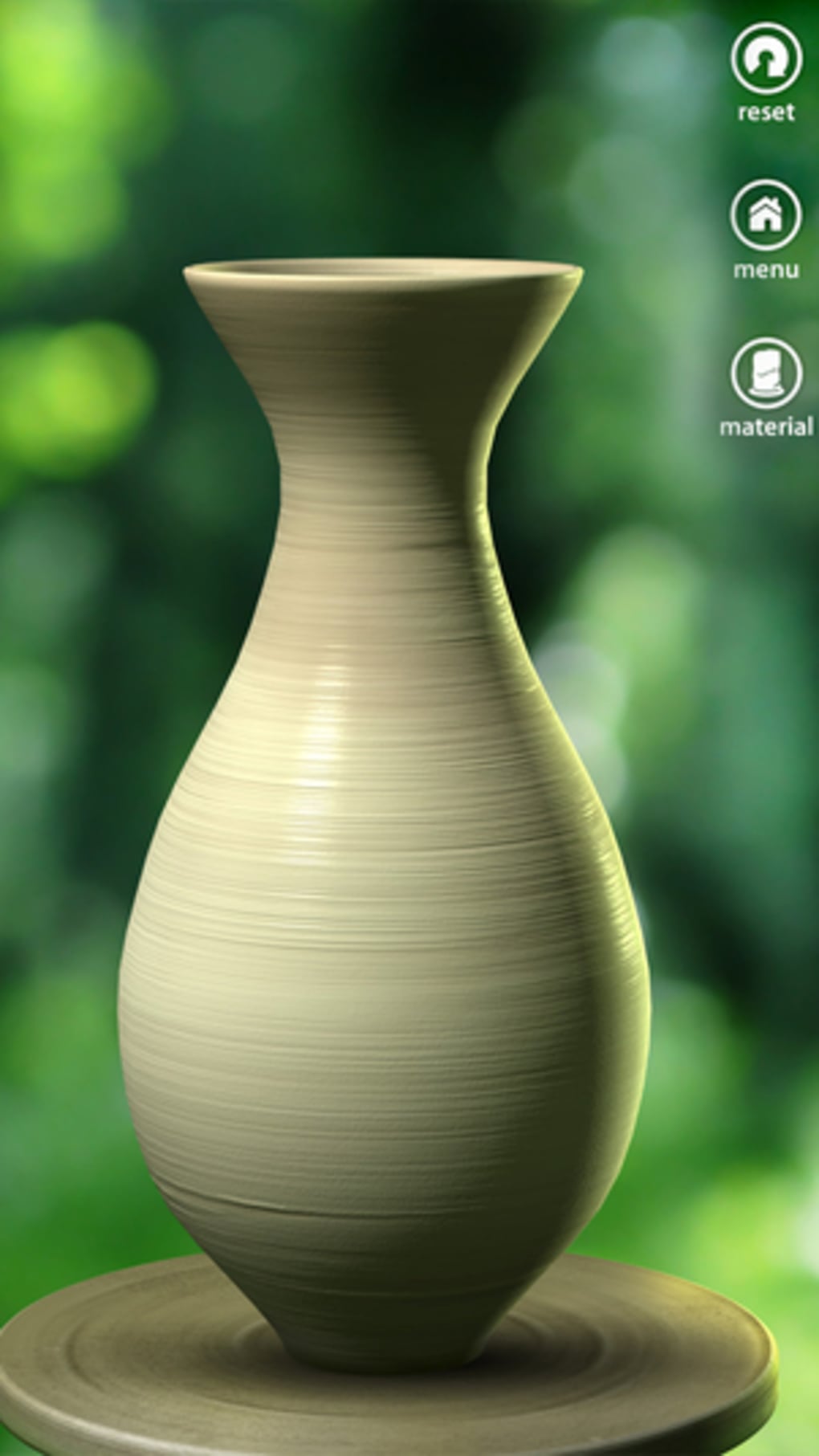
- Realistic Clay Shaping – Users manipulate virtual clay using finger gestures, simulating the resistance and flow of real clay on a wheel. Sliding fingers up, down, and sideways allows for precise control over form and structure.
- Guided Design Orders – The app provides a series of tasks based on simple to complex vase designs, helping users learn the fundamentals before progressing to abstract forms.
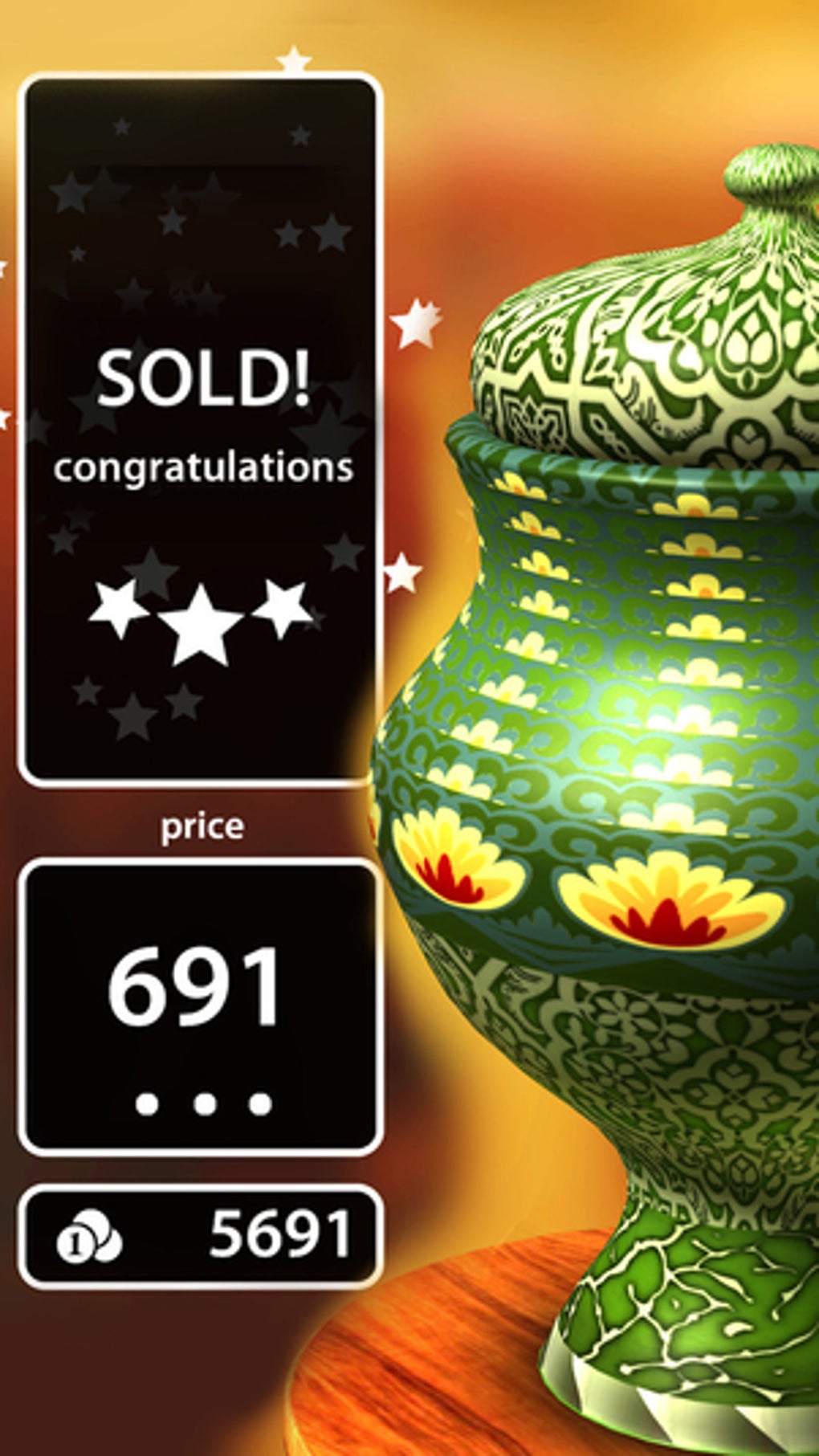
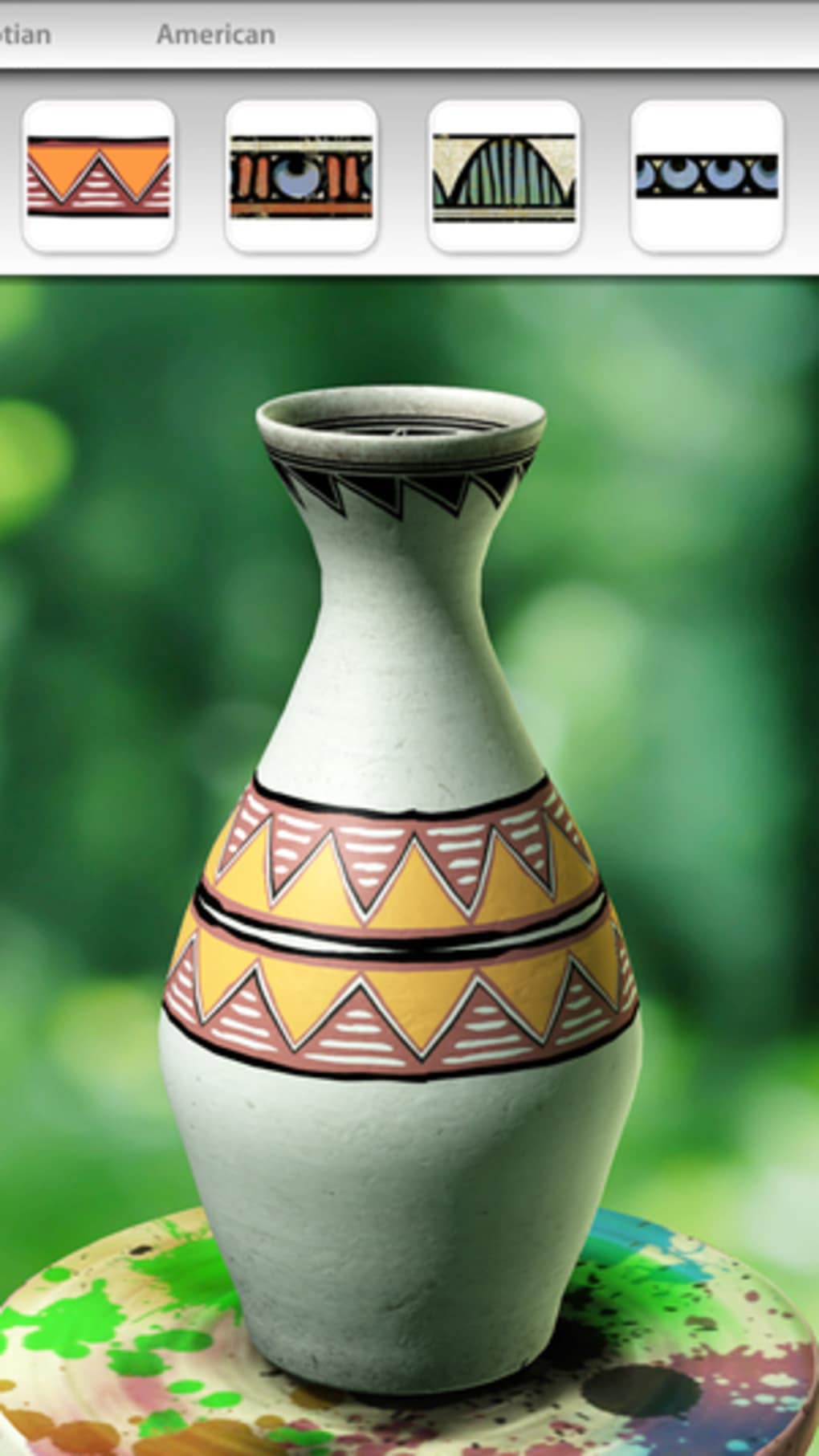
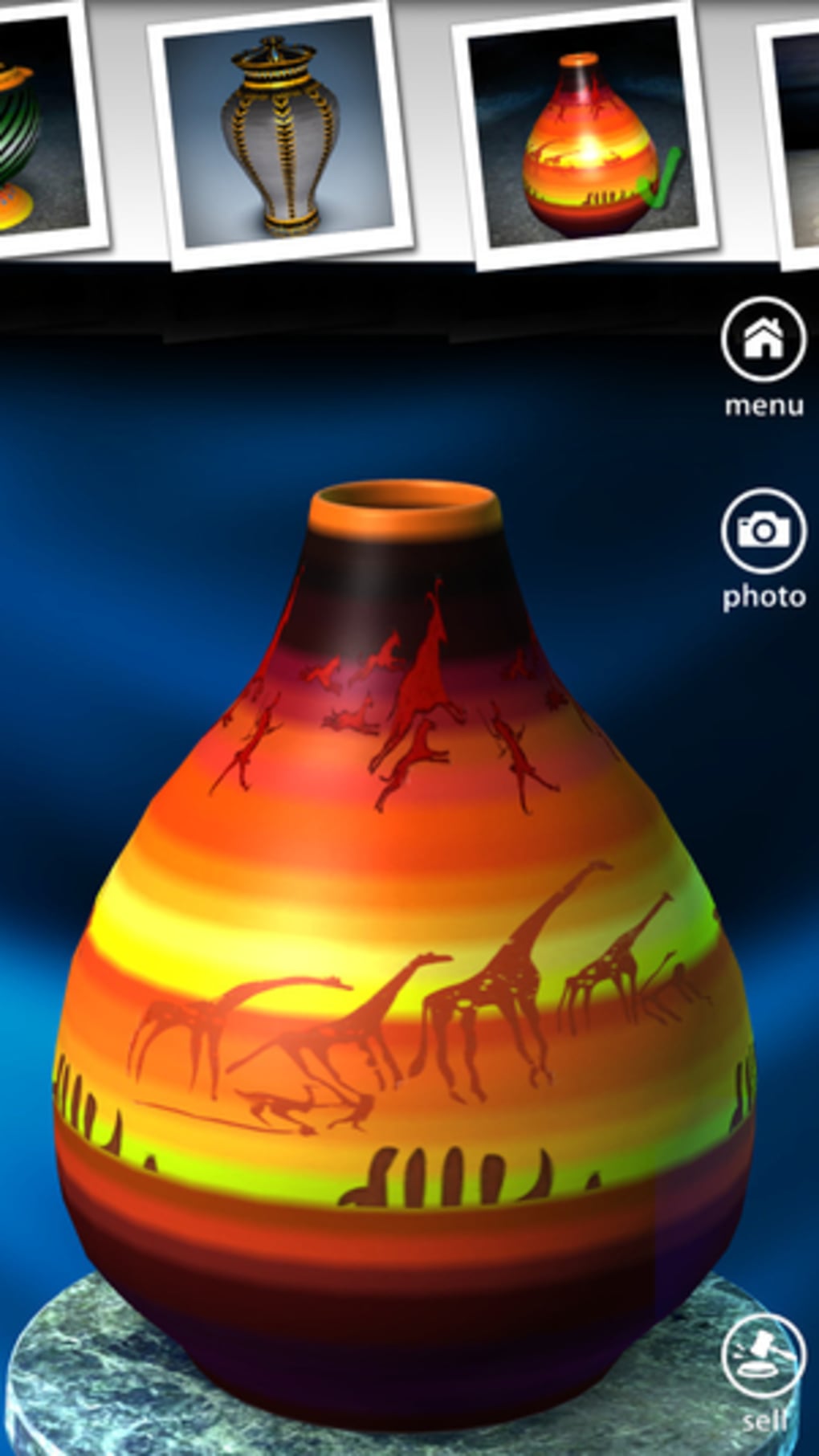
- Extensive Pattern Library – Access to a variety of decorative themes, including historical styles like Aztec, Egyptian, and Greek, enabling users to explore cultural motifs in their creations.
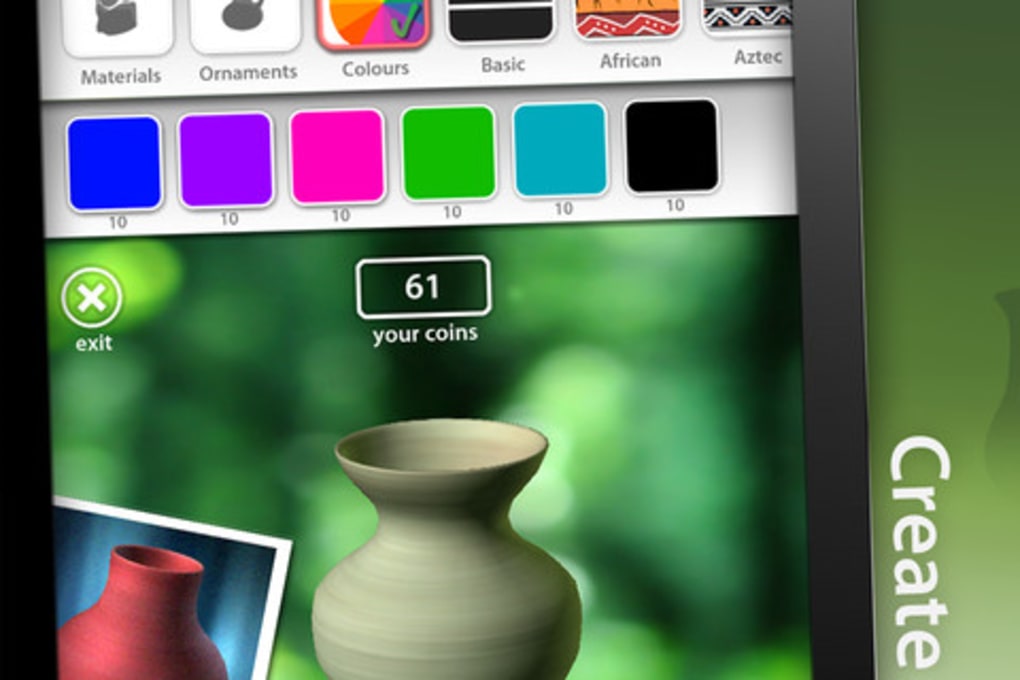
- Custom Color Application – Users can apply multiple colors and gradients, including ombre effects, by dragging fingers across specific areas of the vase surface.
- Open-Ended Creativity Mode – Beyond guided tasks, users can design unique vases without constraints, encouraging artistic freedom and personal expression.
These features combine to deliver a therapeutic and engaging experience. For example, a user might start by crafting a basic cylindrical vase, then apply an Egyptian-inspired pattern using layered colors. The ability to experiment with textures and shapes supports both skill development and emotional relaxation. The software emphasizes process over perfection, aligning with mindfulness principles.
User Interface, Workflow & Performance
The user interface is minimal and focused, centered around the virtual pottery wheel and a clean canvas for design work. Navigation is intuitive, relying on touch gestures for shaping and painting. The workflow begins with selecting a clay lump, placing it on the wheel, and then initiating the shaping process through finger movements. Design tools are accessible via a sidebar or context menu, allowing users to switch between shaping, coloring, and pattern application modes.
Workflow efficiency is enhanced by the direct manipulation model—users interact with the clay in real time, receiving immediate visual feedback. This responsive interaction supports a natural creative rhythm. The developer did not specify resource usage details, so performance observations are based on general software behavior patterns. The application runs on desktop platforms, and its 128 MB size suggests a lightweight footprint. Stability during extended use is not documented, but the absence of reported issues in the provided data indicates a reliable experience.
Compatibility & System Requirements
Let’s Create! Pottery HD is compatible with both Windows and Mac operating systems. The software version is 1.0.1, and the installation size is 128 MB. These details confirm a lightweight, accessible application suitable for standard desktop environments. However, exact system requirements such as minimum RAM, CPU specifications, or supported screen resolutions were not listed by the developer.
Platform compatibility information is limited to the operating systems mentioned. It is unclear whether the software supports touchscreen functionality on all devices or if certain features are optimized for specific hardware. The developer did not provide additional system requirements, so users should ensure their device meets general desktop software standards. No compatibility issues have been reported in the available data.
Pros and Cons
Pros
- Intuitive touch-based interface for realistic clay manipulation
- Therapeutic and creative experience ideal for stress relief
- Progressive learning curve with guided and freeform modes
- Rich pattern library with diverse cultural themes
- Lightweight at 128 MB, suitable for older or modest hardware
Cons
- No information on system requirements beyond OS support
- Performance behavior under heavy use not specified
- Limited developer details may affect trust and support visibility
- Exact update frequency and future development plans not disclosed
FAQ Section
Is Let’s Create! Pottery HD available for both Windows and Mac?
Yes, the software is compatible with both Windows and Mac operating systems as stated in the product details.
Is the software free to download and use?
Yes, the current pricing is listed as free, with no cost for downloading or using the application.
Does the software require a touchscreen to operate?
The app is designed for touch-based interaction, but it may function with standard mouse input. Specific details on non-touch operation were not provided.
Can I use the software offline after installation?
While the developer did not specify, most desktop applications of this type operate without requiring an internet connection after installation.
What kind of creative freedom does the software offer?
Users can follow guided orders or create custom vases with unlimited shape, color, and pattern combinations, supporting both structured and open-ended creativity.
Final Thoughts + CTA
Let’s Create! Pottery HD delivers a serene and immersive digital craft experience that blends art, relaxation, and interactivity. Its focus on tactile simulation through finger gestures provides a surprisingly authentic feel, making it a standout in the simulation genre. The combination of guided tasks and creative freedom appeals to both beginners and those seeking a mindful creative outlet.
While detailed system requirements and performance metrics are not available, the lightweight size and desktop compatibility suggest broad accessibility. For users looking to unwind, explore artistic expression, or simply enjoy a calming hobby, this software offers a compelling solution.
Download Let’s Create! Pottery HD now
Guides & Tutorials for Let s Create Pottery HD
How to install Let s Create Pottery HD
- Click the Preview / Download button above.
- Once redirected, accept the terms and click Install.
- Wait for the Let s Create Pottery HD download to finish on your device.
How to use Let s Create Pottery HD
This software is primarily used for its core features described above. Open the app after installation to explore its capabilities.
User Reviews for Let s Create Pottery HD 0
No reviews found





